The bank account associated with a Free Mobile plan determines the bank account debited each month via SEPA direct debit. Modifying this information involves transmitting sensitive banking details through an online space, which requires verifying both the technical procedure and the security context before any manipulation.
SEPA Mandate and Free Mobile Direct Debit: What Happens Behind the Scenes

When a subscriber provides a new bank account, Free does not simply store an account number. The operator issues a SEPA direct debit mandate to the associated bank. This mandate allows for recurring debits until explicitly revoked by the account holder or the operator.
The direct consequence: an old mandate remains theoretically valid as long as it is not canceled. If the change of bank account fails or if the subscriber forgets to verify the update, Free may continue to debit the old account for one or two billing cycles.
The provided bank account must be a current account (or checking account). Savings accounts, regulated savings books, or business accounts with restrictions are generally rejected by the platform. In case of rejection, the first verification is to confirm with the bank that the account accepts incoming SEPA direct debits.
For those who wish to change the bank account on Free Mobile from a different account than the original, the process must be done exclusively through the secure subscriber area, never via a link received by email or SMS.
Changing Your Bank Account in the Free Mobile Subscriber Area: Steps and Blockages
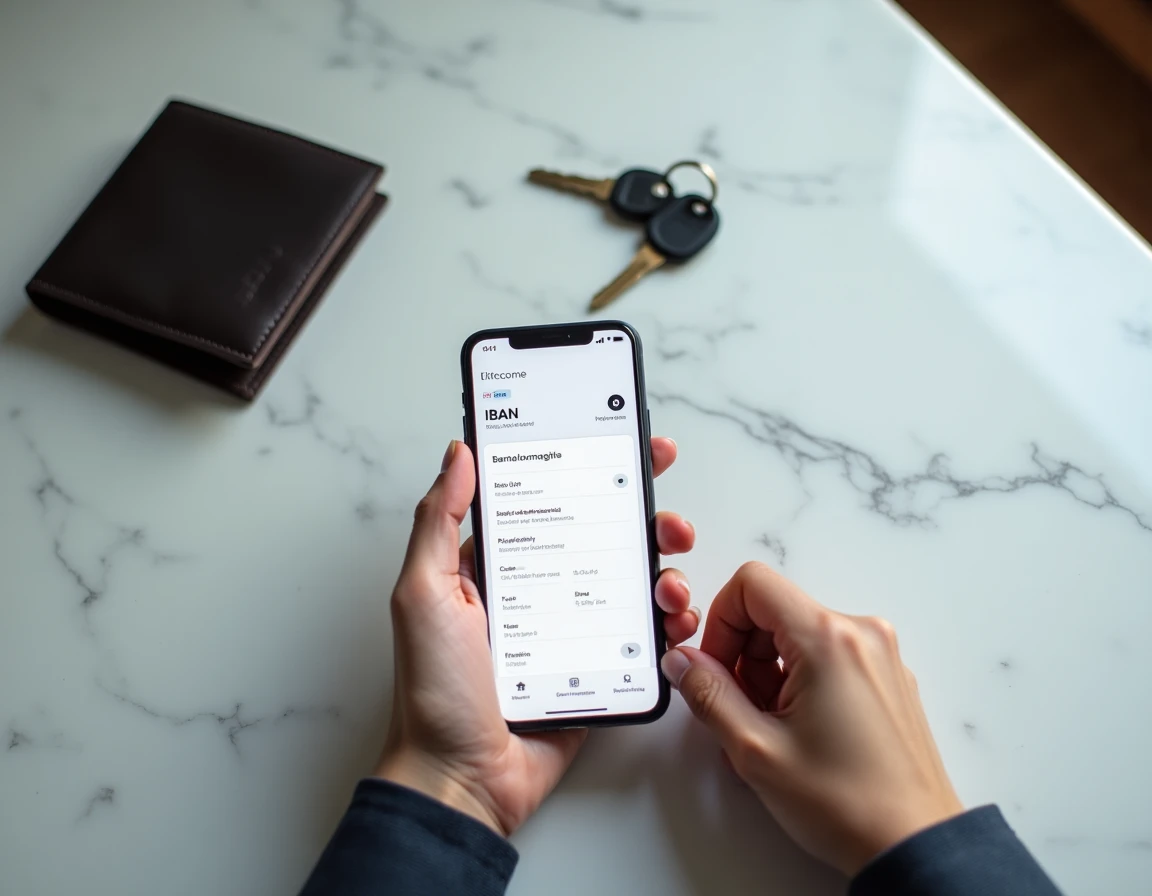
The modification is done from the mobile subscriber area (and not the Freebox area, even if both accounts are linked to the same Free identifier). Here is the concrete sequence:
- Log in to the mobile subscriber area with the identifier and password of the relevant plan, then access the “My Information” section.
- Click on “Modify” in the “My Payment Method” box, then enter the full IBAN and BIC details of the new account.
- Confirm by clicking “Save” and ensure that the confirmation is displayed on the screen before leaving the page.
A common blockage point: the change is refused if the provided account is not a current account. The interface does not always detail the reason for the refusal. Contacting the bank to confirm the account’s eligibility for SEPA direct debits remains the most effective reflex.
For Multi-line Subscribers
Subscribers with multiple Free Mobile lines under the same identifier must change the bank account line by line. The change on the main line does not automatically propagate to secondary lines. Each line has its own SEPA mandate.
After the modification, monitoring the next bill allows you to confirm that the debit has indeed switched to the new account. A one-cycle delay is possible depending on the modification date relative to the billing date.
Phishing and Fake Bank Update Messages: Recognizing the Traps
Phishing campaigns regularly target mobile operator subscribers in France. The typical scenario: an email or SMS mimicking Free’s graphic charter requests to “update the bank account” via a clickable link. The link redirects to a copy of the subscriber area, designed to capture login credentials and banking details.
Free, like other operators, never asks to modify banking details via email or SMS without prior strong authentication on the official subscriber area. Any message containing a direct link to a banking input form should be considered suspicious.
- Check the sender’s address: fraudulent emails often use domains that are close but different from the official free.fr domain.
- Never click on a link in a message requesting a banking modification: manually type the subscriber area address into the browser.
- Enable two-factor authentication on the subscriber area if the option is available, in accordance with the requirements of the European DSP2 directive on strong authentication for online payments.
Stolen Personal Data and Fraudulent Debits: What to Do if the Bank Account is Compromised
Data leaks affecting customers of operators, including Free, have fueled hacked databases circulating online. These databases sometimes contain bank account details, subscriber area identifiers, and other personal information. Documented consequences include fraudulent subscriptions to services (telephony, press, gyms) and identity theft schemes.
If an unauthorized debit appears on a bank statement, the dispute with the bank must be initiated quickly. European regulations on SEPA direct debits provide a right to reimbursement for unauthorized debits, provided that the dispute deadlines set by the banking institution are respected.
Reacting After a Data Leak
Changing the password for the Free Mobile subscriber area is the first measure. Modifying the bank account associated with the plan prevents the direct exploitation of the old banking details. Reporting fraud on the official public service platform also helps to build a case in the event of prolonged disputes.
A bank account alone is not enough to empty an account, but combined with other personal data (name, address, date of birth), it facilitates the creation of fake direct debit mandates. Vigilance over bank statements in the months following a leak remains the most concrete protective measure.